XSign in by: Email Mobile
G2无线同屏器 适用手机无线HDMI高清投屏器mirascreen hdmi推送宝
| Number | Unit-price | Total | |||
| I want to buy: | × | 6.9 | = | 0 |


A new item has been added to your Shopping Cart. You now have items in your Shopping Cart.
Related items

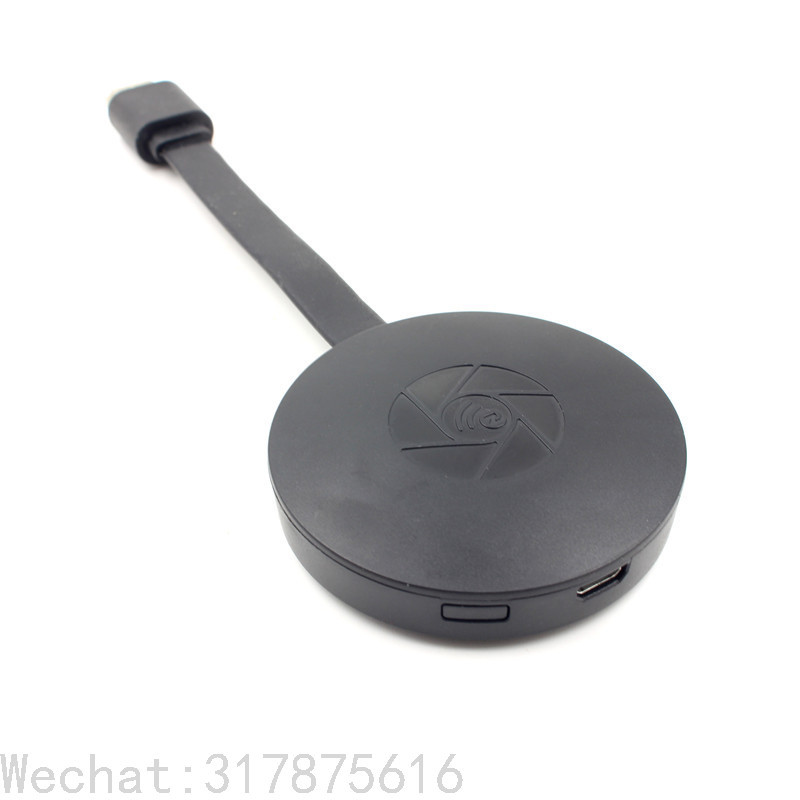
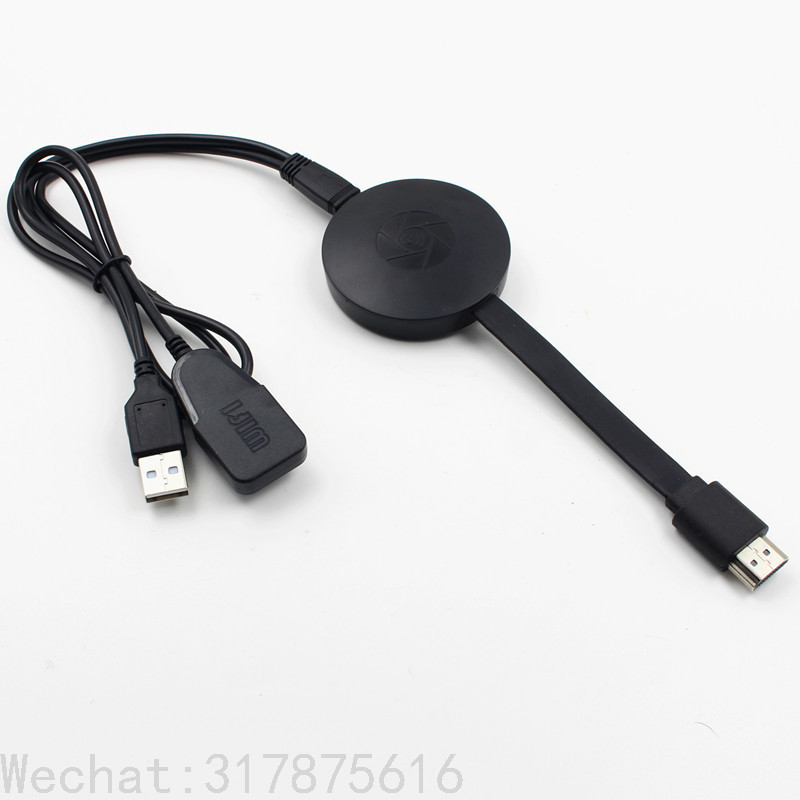
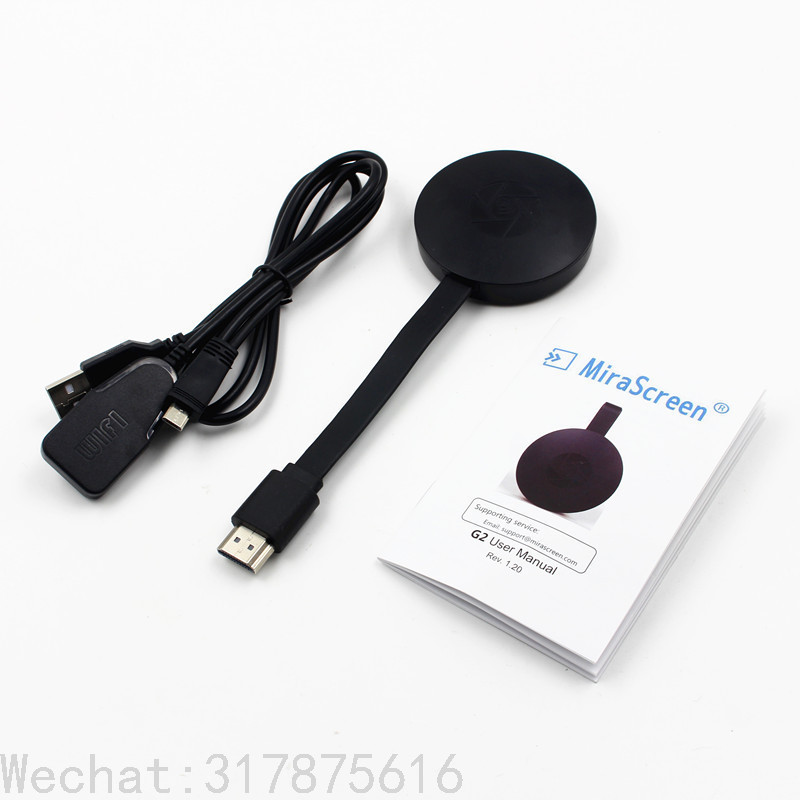
MiraSCreen is a wireless display receiver that supports the Miracast standard for Android and Windows platforms and DLNA for home multimedia applications. In addition, it is compatible with AirPlay images from Apple's iOS and MAC systems. Experience MiraScreen's mirroring experience now.
IOS connection method:
Step 1: Press the same screen button to switch to Airplay mode
Step 2: On the screen to read the screen with SSID and password (after PSK 8-digit Alibaba)
Step 3: Connect the IOS device with the screen SSID using WIFI
Step 4: Open Airplay and select MiraScreen SSID to start mirroring
Android image method:
Step 1: Press the same screen button to switch to Miracast mode
Step 2: Turn on the Miracast feature of the Android device (such as Miracast / Smart View, different Miracast feature names will be different)
Step 3: Select the same screen name to start mirroring



Update time: